
 PearPass
Technical Support & Troubleshooting
Follow the steps below to report a problem directly to the PearPass team. Before reporting, check the How-To Guides and References in case your issue is already covered.
Report a problem
Sign in
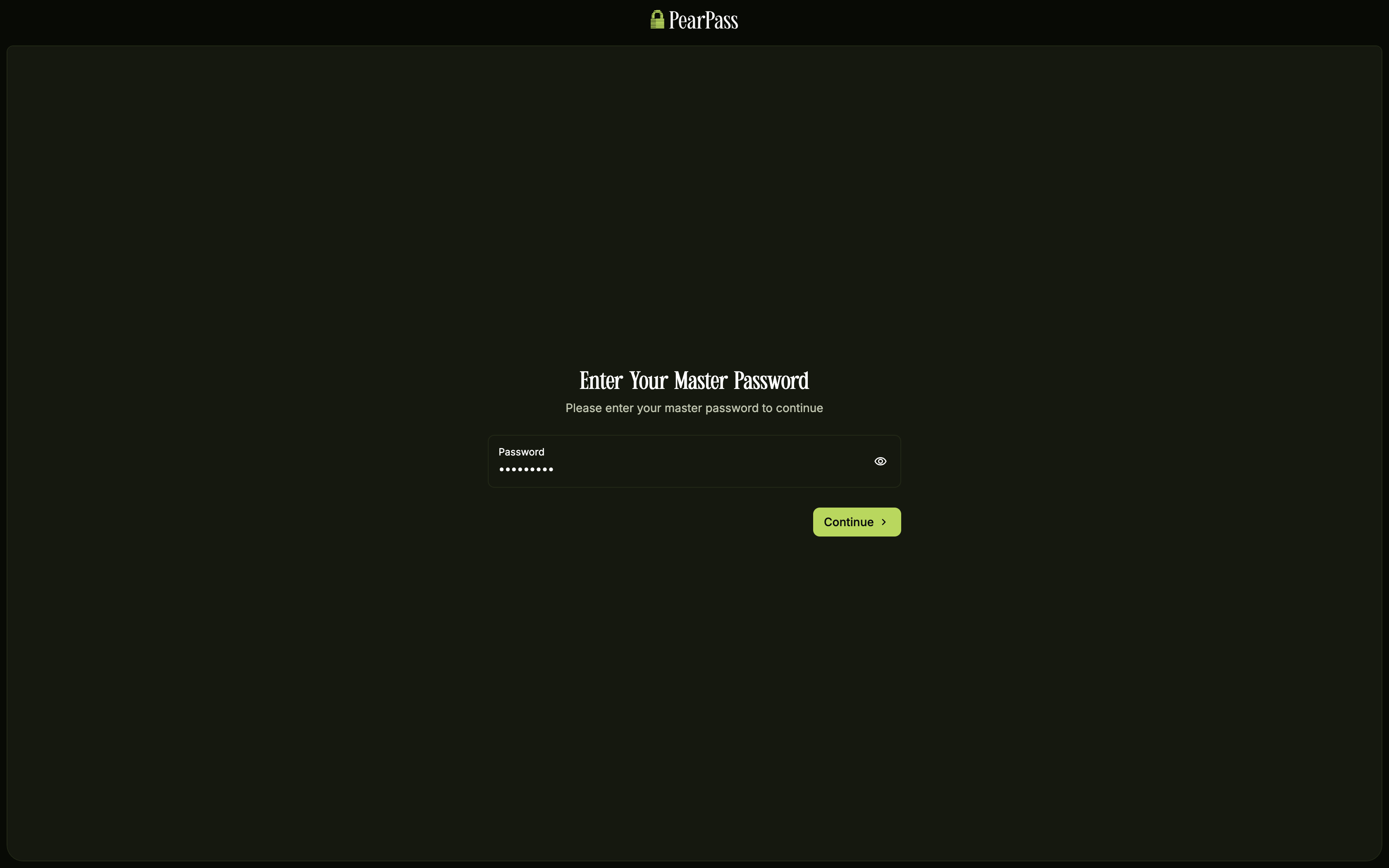
Open PearPass on your computer and sign in with your master password.
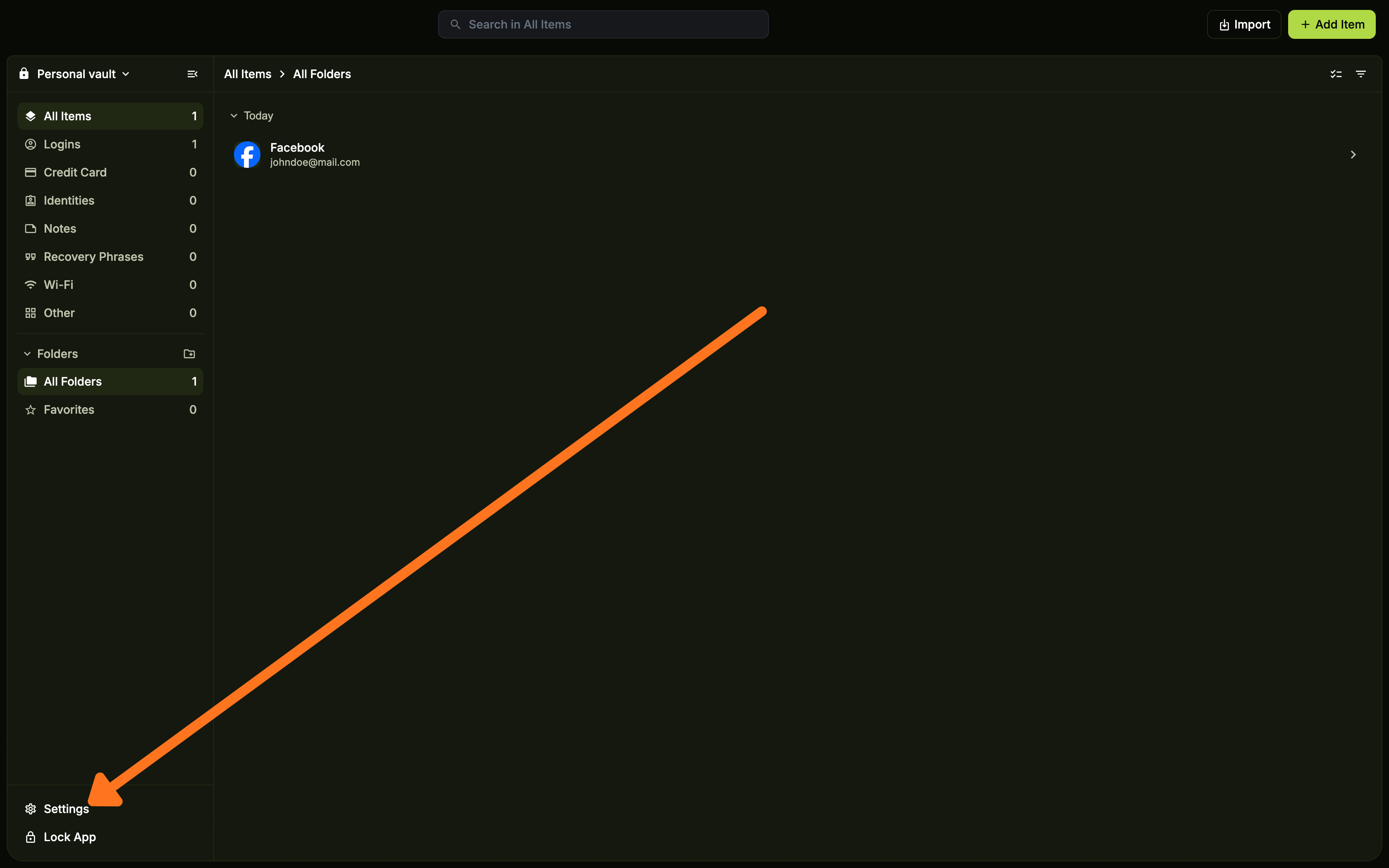
Open Settings
Click Settings.
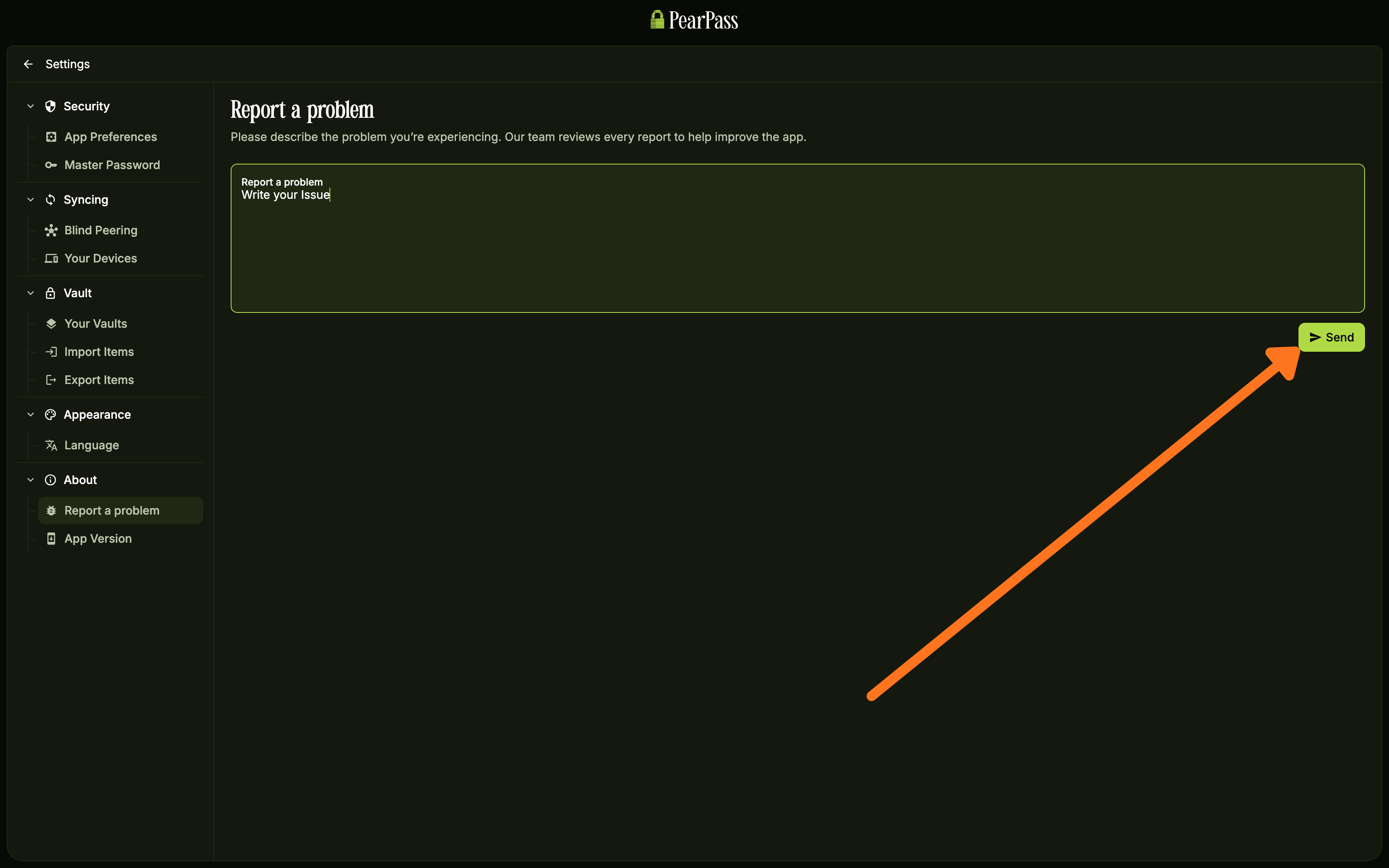
Report the problem
On the side menu bar, under the About section, click Report a problem. On the Report a Problem screen, enter a clear description of the issue, including steps to reproduce it or any error messages, then click Send.
Sign in
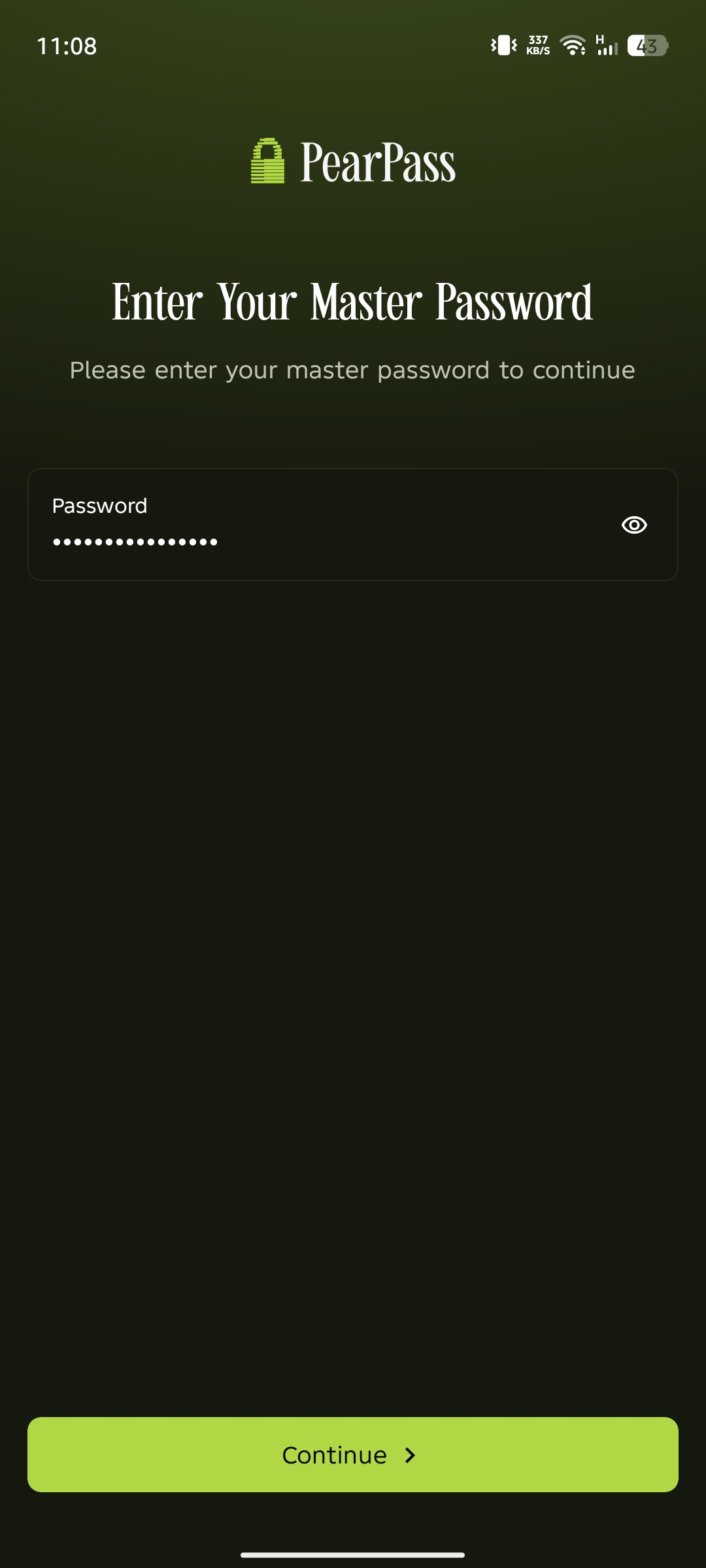
Open PearPass on your mobile device and sign in with your master password.
Open Settings
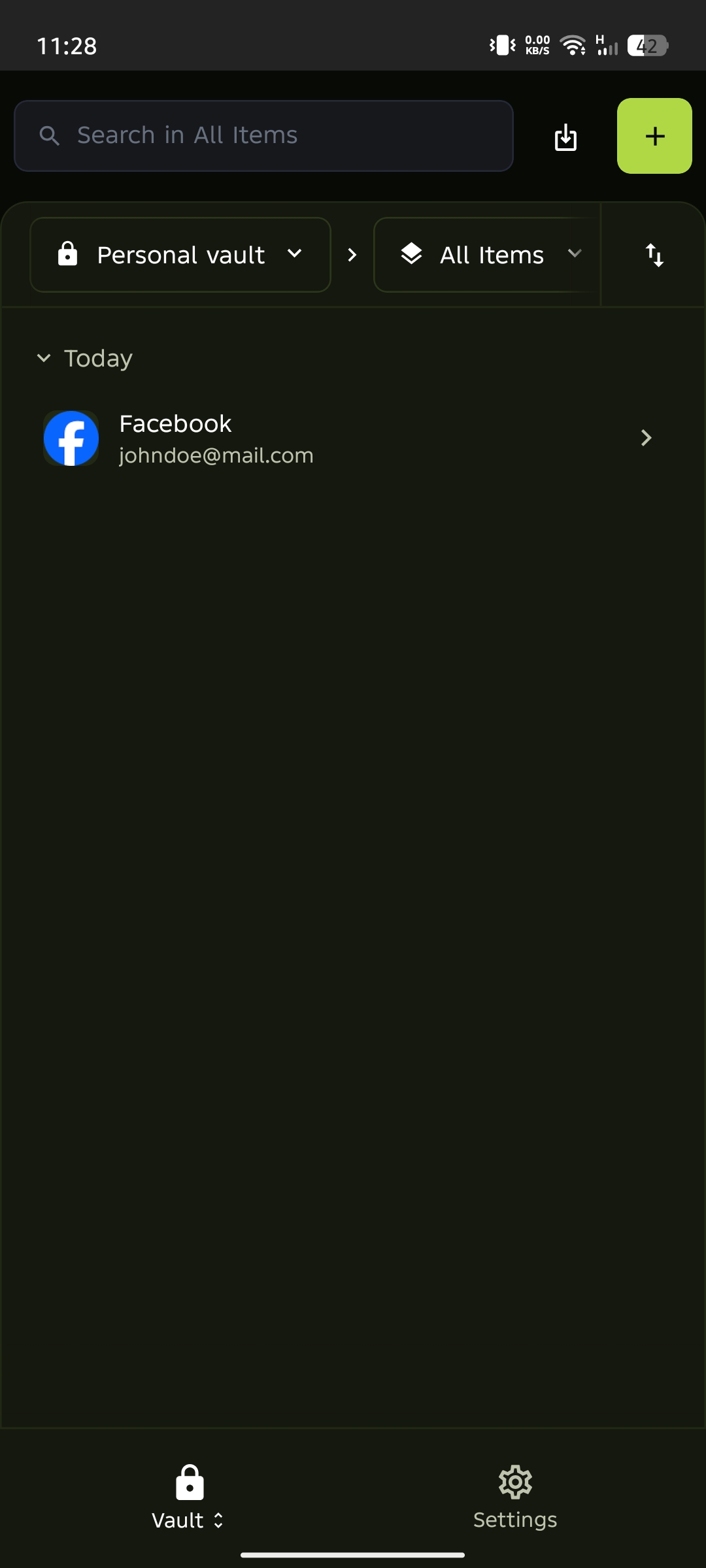
From the vault screen, tap the settings icon in the bottom menu.
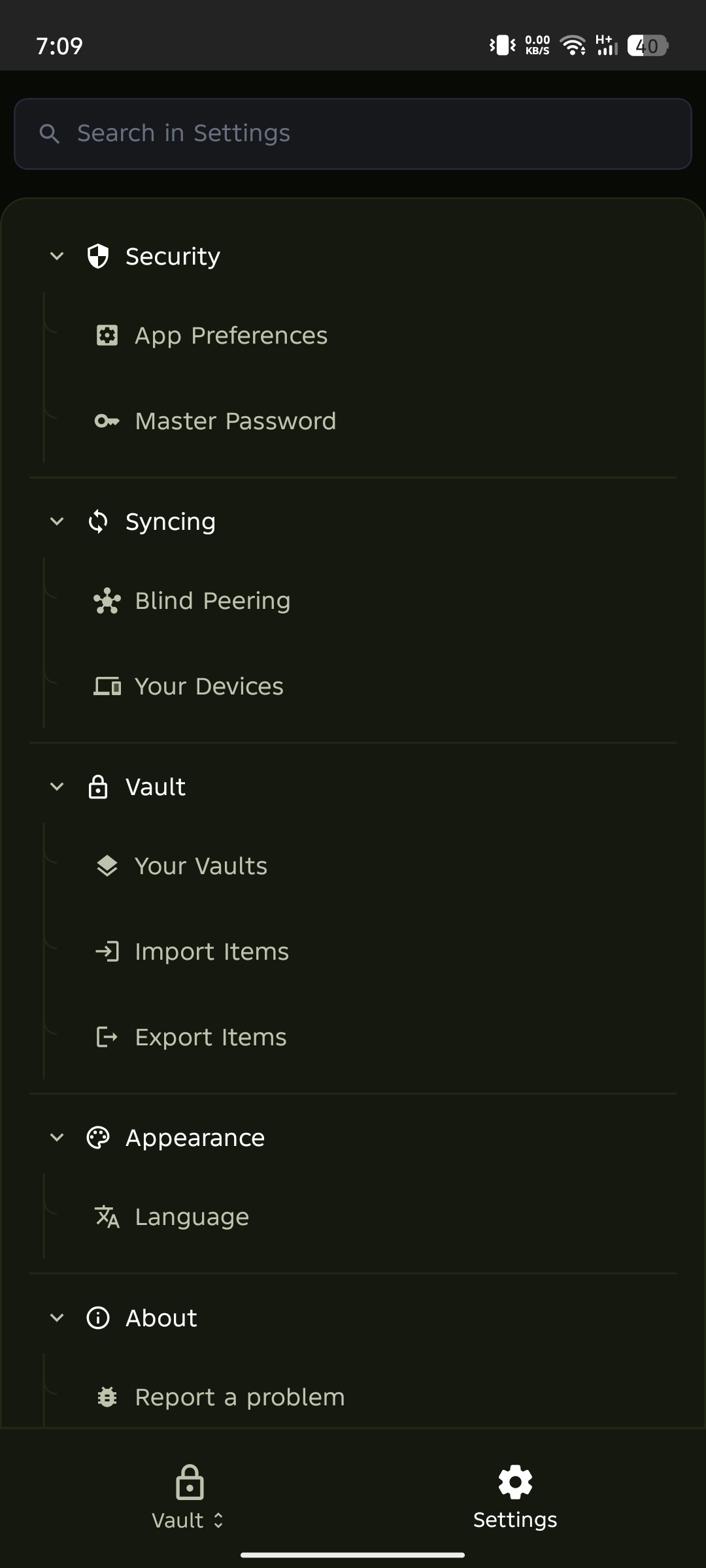
Select Report a problem
Tap Report a problem from the settings menu.
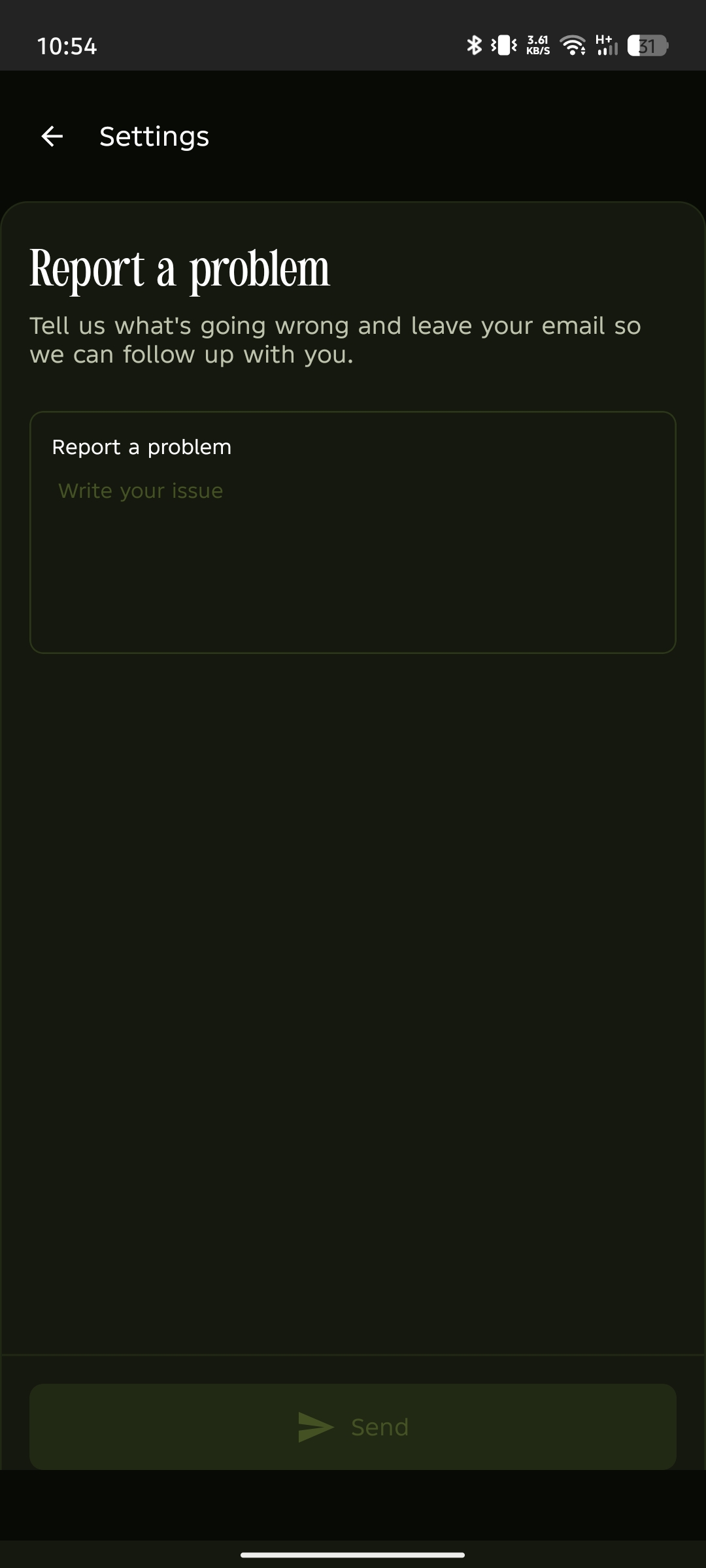
Report the problem
Enter a clear description of the issue, including steps to reproduce it or any error messages, then tap Send.
The support team will review your submission and provide guidance or fixes as necessary.
More ways to get help
You can reach the PearPass team directly by submitting a report through the support form: https://pass.pears.com